Repairing corrupted iPhoto library

My iPhoto library was corrupted and even the Apple’s build in tools for repairing the database and rebuilding thumbnails did not longer work. Any attempt to use these tools lead to a crash. Working with the photos was also increasingly difficult, since iPhoto would frequently crash. The library contains more than 33.000 photos spanning 12 years. I was not prepared to give them up.

I have been using iPhoto Library Manager for some time for quickly moving between libraries but today it became my true champion. The software has a tool to recover corrupted libraries. But it works differently from Apple’s approach. It starts with a fresh clean library and imports all the photos, including their meta data, such as location, faces, date. It also manages to rebuild albums and folders. After nearly 20 hours of processing, my new library was fully functional. No more crashes or missing thumbs.

The rebuild function

The culprit turned out to be the QuickTime plugin Perian. Once I uninstalled it, iPhoto worked without crashing. It is a pity, since Perian is so useful.

Visualize your complete family tree

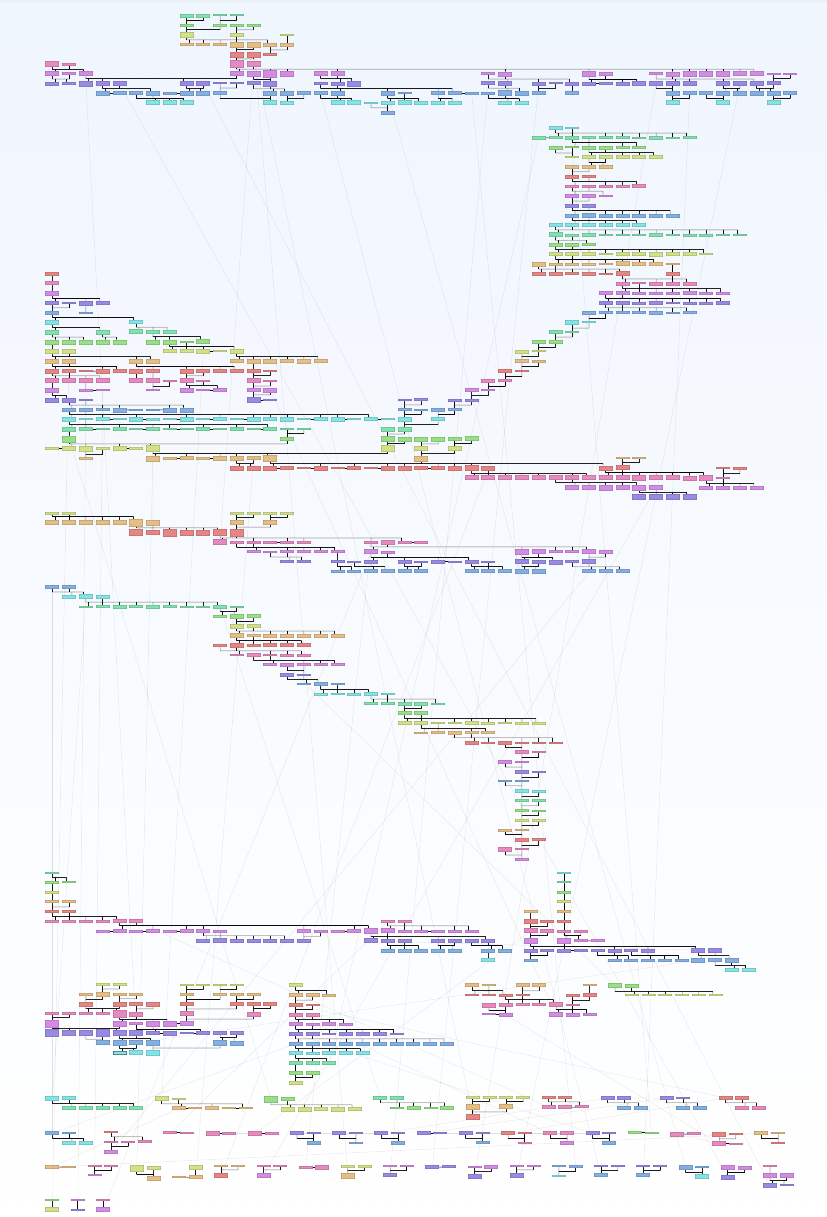
For some time I have been looking for a way to visualize my complete family tree. Not just the usual ancestor/descendent charts, but really all of them together in one big chart. Until now I could only get yEd to do this job, since it imports GEDCOM. Here is a screenshot of what yEd can do:

yEd GEDCOM network plot

The problem was that yEd cannot deal with UTF-8 and it also does not include photographs or dates. It just prints the network of people. It does also not respect the generations or gender.

The latest version of Mac Family Tree introduced a new “Tree” visualization which is pretty close to what I want. It plots every person in the tree and does show meta data. It included photographs and respects the concept of generations. To be able to get everybody onto one sheet that can possibly be printed, Mac Family Tree breaks the tree into smaller sections and links them by lines or reference numbers. This might be a necessary, but in my case it produces many small “left over” branches at the bottom. So close, but still not perfect. Maybe the next version will have an improved layout algorithm.

Mac Family Tree new Tree visualization


The Unofficial LEGO Minifigure App

The Unofficial LEGO Minifigure Catalog App is a must for every LEGO enthusiast! It contains information about all the Minifigures and Sets from the early beginnings until 2011. Professional high-resolution photographs of every Minifigure and the associated data are included. Browse the Minifigures and Sets by theme or year. The Unofficial LEGO Minifigure Catalog App can even import/export with your data on Brickset.com. The App is available for iOS and Android. More information and the latest updates are available at http://www.minifigure.org/application/

Android Market AppStore

Features

  • More than 3650 Minifigures and 650 Heads listed
  • High-resolution photographs of every Minifigure
  • Thousands of LEGO sets listed.
  • Browse by theme or year
  • Search by name
  • Manage favorite Minifigures
  • Mark the Minifigures you own
  • Import and export with Brickset.com account
  • Advanced downloading and caching technology
  • Regular updates