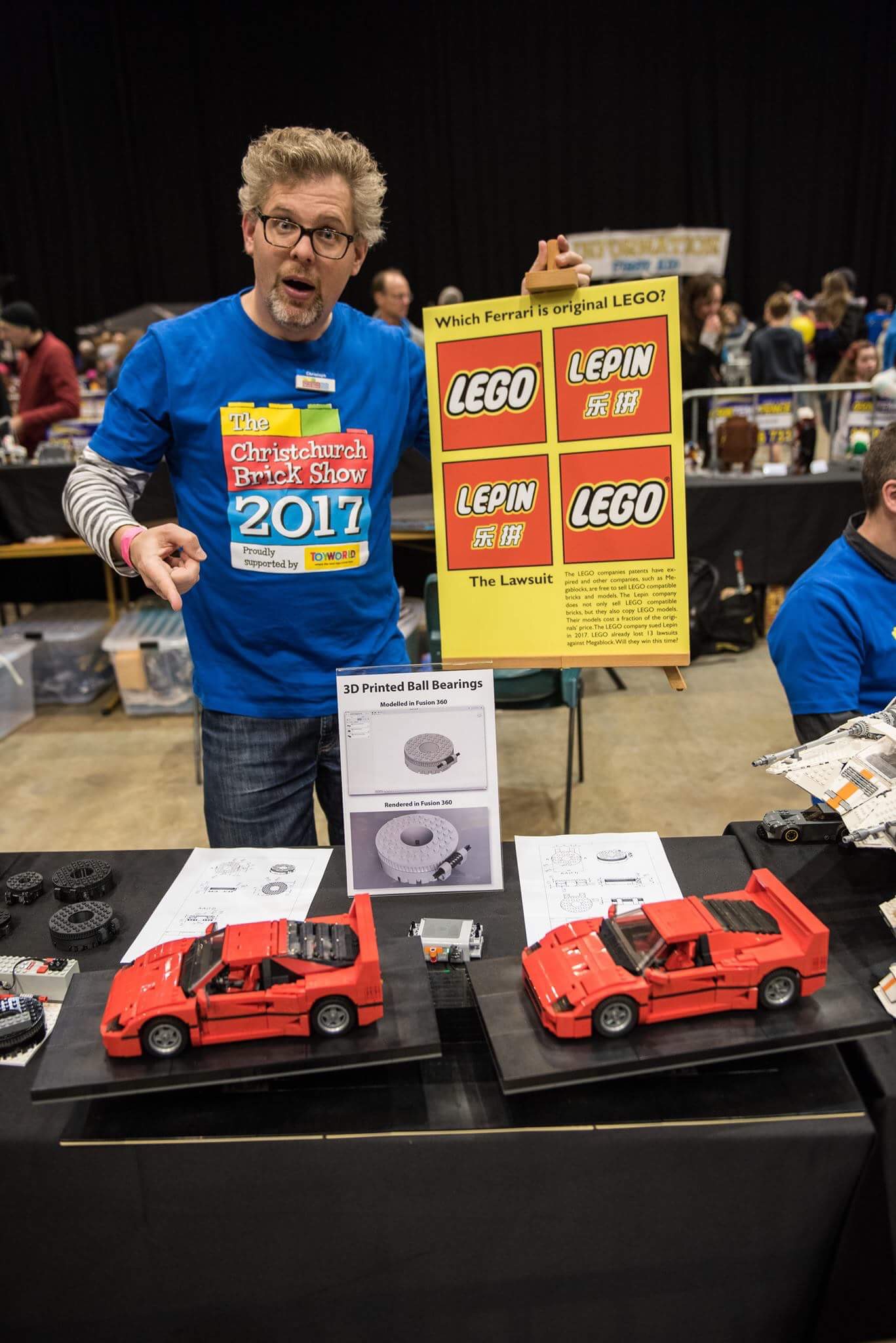
The Christchurch Brick Show committee in conjunction with the Management of LUG 4×2 banned my exhibit at the Christchurch Brick Show 2017. I am seriously concerned about the decision, the process on how this decision was made, and shocked by the reason provided for the decision. I would therefore like to launch a complaint about their actions.
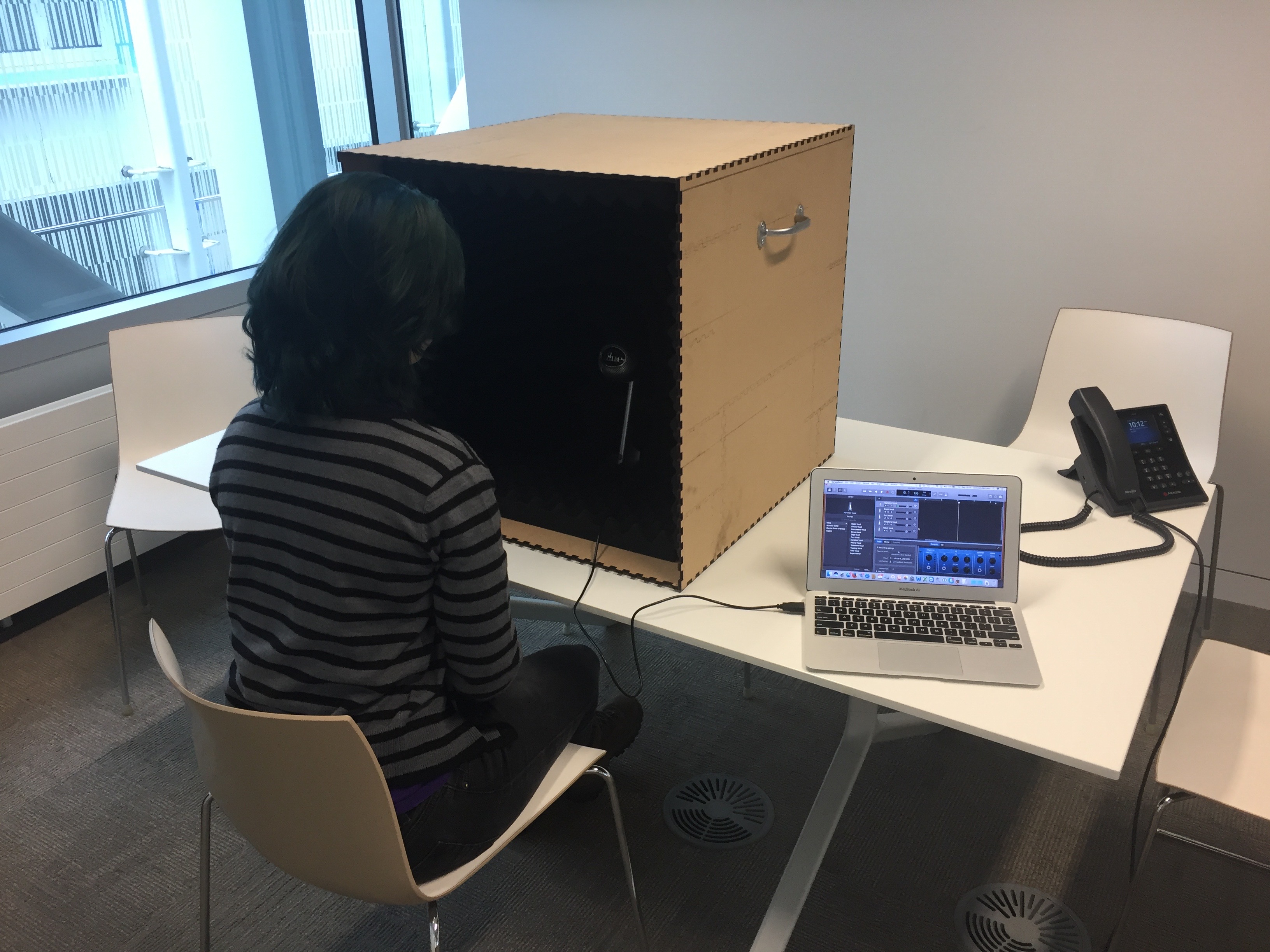
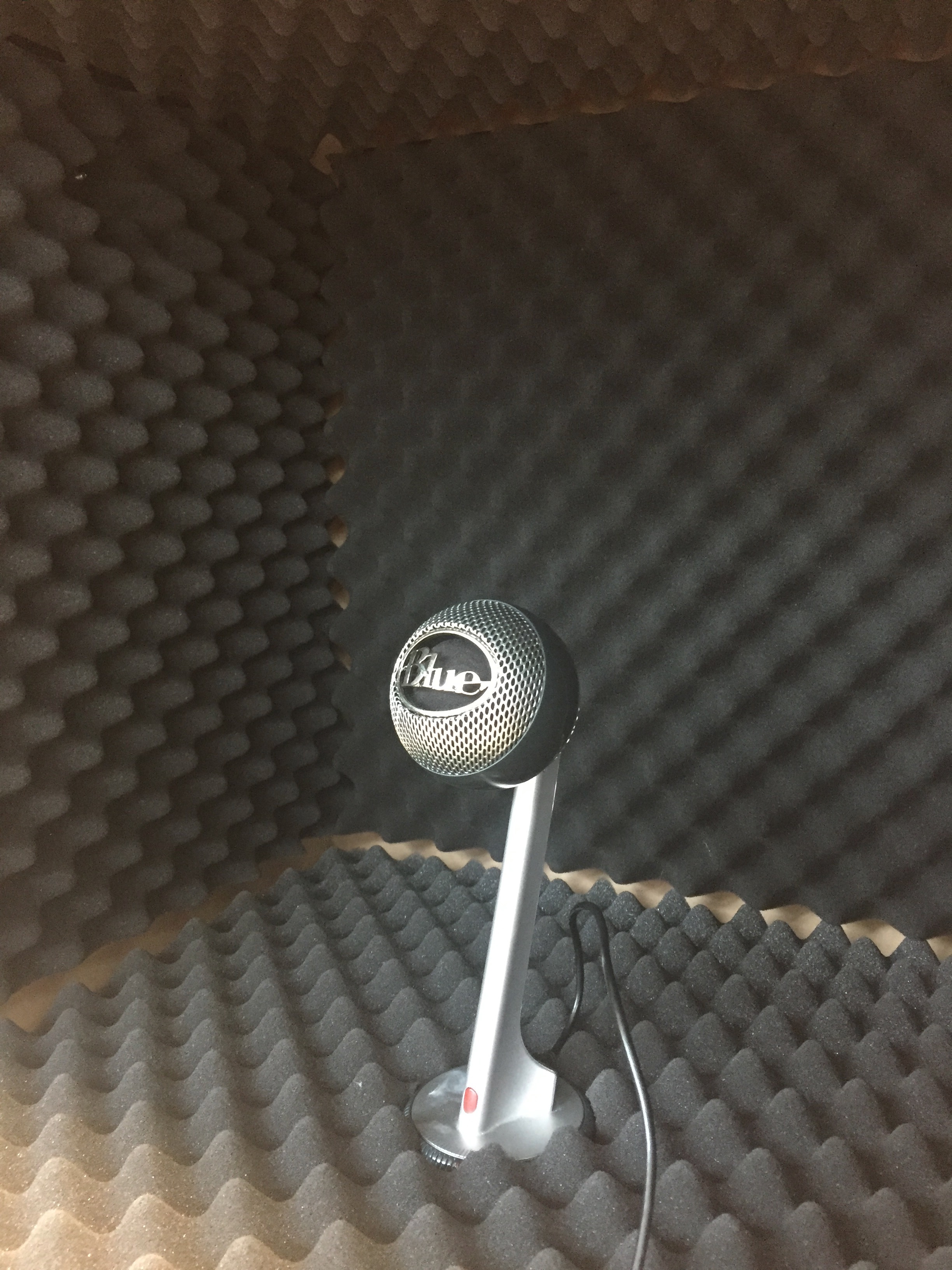
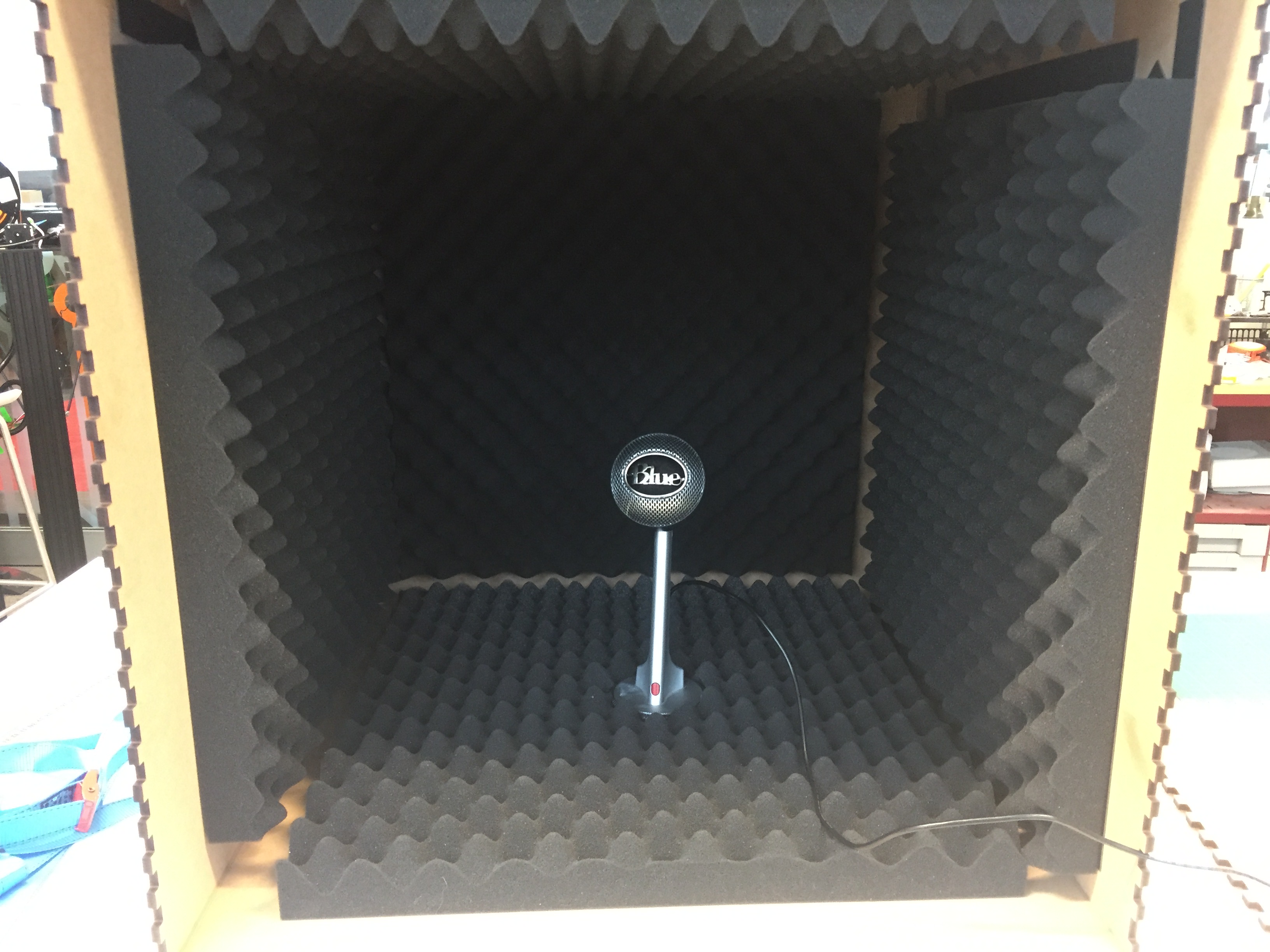
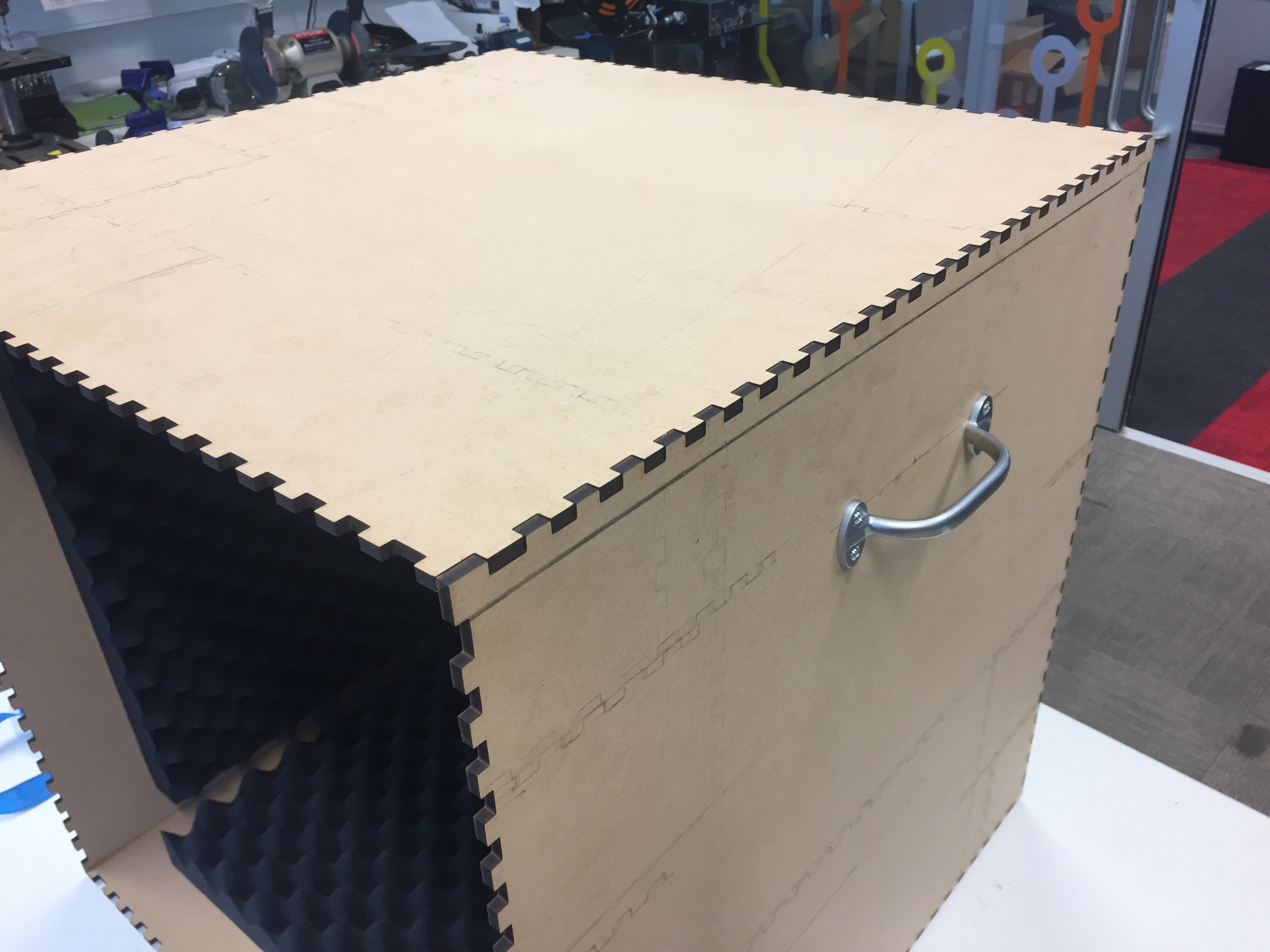
Recording a clear voice with no background noise is key for any video, audiobook or podcast. If you are limited in space and budget then you might consider building your own little sound proof voice recording box. I build this little gem from 6mm MDF and some acoustic foam taped to the box with double sided tape.
For the box you can create the drawing necessary for the laser cutter using online tools, such as Box Designer. It exports a PDF file which all the six faces clearly separated. If you are planning to make efficient use of your wood then you may prefer MakerCase. This service aligns the six sides so that they can be cut most efficiently from a piece of MDF. Here is the box drawing for laser cutter used for this design.
Voice Recoding Booth
We attached rubber feed to the box and placed the microphone on an old mouse pad to isolate the microphone from any vibrations of the table, such as when a laptop is placed on it. Handles on the side allow for an easy transportation.
Here is a recording without the box. The microphone was placed just directly on the table:
This recording was made with the speaker sitting in front of the box speaking into the microphone.
The last example is with the speaker leaning into the box.
You will notice how all ambient noice is gone and how intimate the voice of the speaker sounds.
Esmé E Deprez and Caroline Chen from Bloomberg Businessweek visited the headquarters of Omics in India to interview its owner Srinubabu Gedela about his company. Omics is widely considered a predatory publisher that publishes papers without rigorous peer review. Confronted with the acceptance of my non-sensical paper he replied that “Bartneck’s paper slipped through because it was submitted so close to the conference’s deadline.” Yeah, right.
A holonomic robot uses omni-directional wheels to drive and turn in any direction on the spot. Agilis is an example of an early LEGO holonomic robot. My model is much simpler and robust. Essential to all holonomic robots are the use of omni-directional wheel, such as the the ones from Rotacaster. I am using a compass sensor to allow the robot to be remote controlled on an absolute grid using Connexion’s Space Navigator. This 3D input devices can be mapped to the unique movements and rotations of a holonomic robot.
Tutorial on how to install and setup JInput on Mac OS X using Eclipse. This will enable you to use different input devices in your Java programs.
Using mouse, keyboard, joysticks and other input devices in your Java software is much easier using JInput. Unfortunately, the documentation on how to install and setup the software is short and difficult to follow. I was struggling for days getting it to work with Eclipse on Mac OS X 10.12.6. My first approach was to use Maven to install JInput. The excellent M2Eclipse plugin provides good support for Maven. Unfortunately, the pre-configured Maven Repository does not include JInput. I was unable to configure Maven/Eclipse to connect to The Central Repository to download JInput from there. Okay, I am not a fulltime Jave programmer and maybe it would become clear to me eventually. In the meantime I got it to work manually. I hope that this tutorial will help you in your project. I used Mac OS X and I cannot guarantee it will work on any other platform.